
•Dalton Walsh
Spond vs Flyball Hub for managing a flyball team, from RSVPs and payments to dog records, line-ups, race tracking, stats and offline use.
By Dalton Walsh
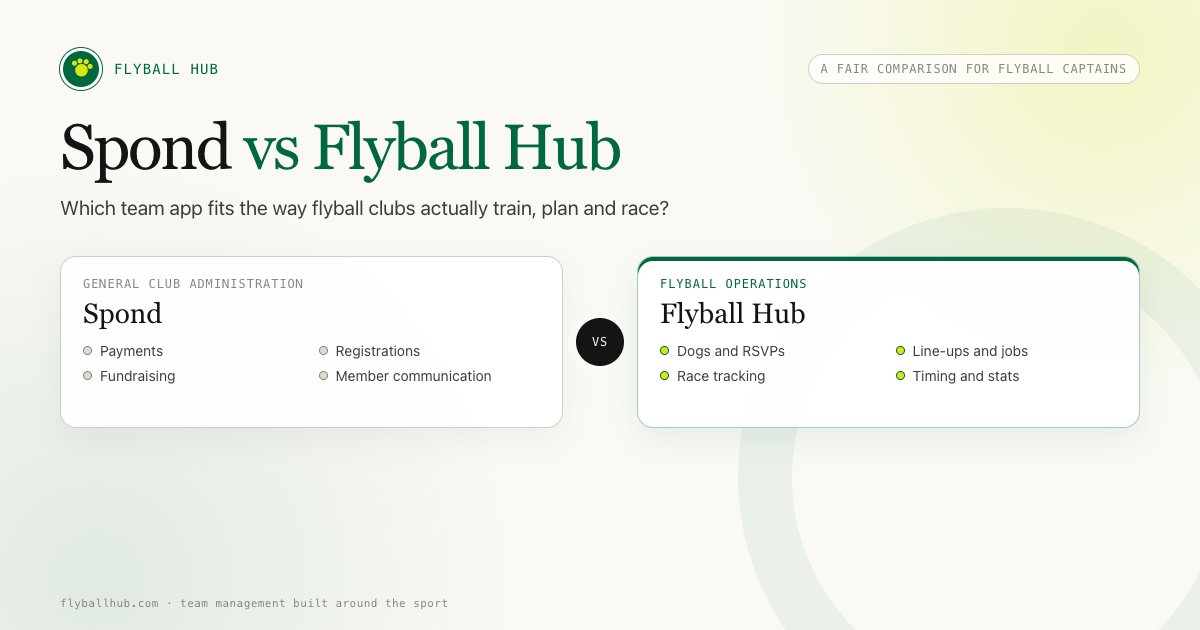
Spond can organise a flyball team. It covers the everyday club jobs well: events, attendance, messages and payments.
The choice comes down to what you need the app to understand. A flyball captain is organising handlers and dates, but also dogs, training groups, running orders, race jobs and times. A general sports app can hold some of that information. You may still find yourself working around its structure once the flyball planning starts.
I built Flyball Hub because I wanted those parts of the sport to have a proper home. I am obviously close to the product, so I will say this plainly: Flyball Hub suits flyball operations better, while Spond covers several wider club jobs that Flyball Hub currently leaves alone.
Spond is made for many kinds of teams, groups and activities. The same event, attendance and communication tools can work for a football team, a choir or a dog sport club.
There is also Spond Club, its wider administration product. That handles member imports, sign-up forms, course registration, payments, fundraising and a club website.
Flyball Hub has a narrower purpose. It is a flyball team management app built around training and competitions.
Each dog has its own record. A session can take RSVPs for members and dogs. At a competition, you can work with sub-teams, line-ups, jobs and race results directly instead of squeezing them into event notes.
Simple ticks would hide most of the difference here. Both apps can create an event, for example, but they handle what happens inside that event very differently.
| Need | Spond | Flyball Hub |
|---|---|---|
| Events and RSVPs | General events, invitations, reminders and attendance | Training and competition events with member and dog RSVPs |
| Member communication | Posts, messages, notifications and event updates | Team Chat, announcements, comments and notifications linked to team activity |
| Dog profiles and attendance | Generic member and event records rather than flyball dog profiles | Dog profiles, owners, photos, notes, turn direction, jump context, skills and PBs |
| Training plans | General event details | Session blocks, lanes, dogs and flyball line-ups |
| Competition planning | General event organisation | Saved sub-teams, Quick Teams, running order, classes, lanes, jobs, reserves and printable line-ups |
| Live race tracking | No flyball-specific race workflow | Heats, legs, flags, reruns, reserve swaps and No Time results |
| Dog and team times | No flyball-specific timing history | Team and dog times, PBs, trends and clean-run data |
| Poor-signal race-day use | General team use rather than flyball race recording | Queued changes and race drafts can continue and sync after reconnection |
| Payments and subscriptions | Payment requests, instalments, discounts and club payment tools | Does not collect club membership fees |
| Fundraising and paid registration | Fundraising, courses, paid registration, refunds and cancellation tools | Not a fundraising or course payment system |
| Public flyball events | General events for groups and clubs | Flyball competition discovery, entries, host review, resources and share pages |
| Club website | Website product available through Spond Club | No whole-club website builder |
Spond lists its general team features in its sports team management app guide. The separate Spond Club overview covers the wider administration tools.
An RSVP from a handler only tells you half the story. They might bring one dog, three dogs or come along without a dog. That changes the session you can plan.
Flyball Hub stores dogs separately from members and includes both in RSVPs. As a captain, I want to see the people coming and the dogs available on the same screen. That is far more useful than chasing the missing detail in a group chat.
Dog profiles can hold ownership, photos, notes, turn direction, jump-height context, skills, league points and personal bests. The details stay with the dog, ready for the next session or competition.
A calendar event gets everyone to the right place at the right time. The trainer still has to turn that attendance list into a session.
In Flyball Hub, trainers can build session blocks, assign lanes and create line-ups from the dogs marked as attending. You go from availability to a plan in the same place.
If you want more detail on that process, read how we plan a flyball training session.
Competition admin gets fiddly quickly. Flyball Hub supports saved sub-teams and Quick Teams for one-off combinations. Captains can set running order, classes, lanes, minimum jump height, day notes and jobs such as box loading.
You can print the line-ups for the team, then record reserve swaps and other changes on the day. Those changes are ordinary flyball decisions, so the app treats them that way.
Spond can hold the date, invite members and send updates. Flyball Hub picks up the work that begins once the replies are in.
Writing down a time is easy. Keeping it attached to the right race, team and dog is the bit that becomes a job, especially after a full day of racing.
Race Mode records heats, legs, flags, reruns, reserve changes and No Time results. It stores team and dog times to three decimal places and feeds them into personal bests, trends and clean-run data.
Local video timing can save structured results while the raw video stays on the device. The result joins the team's records without adding a video upload to race-day admin.
This is one of the parts I care about most as a flyball participant. Times become much more useful when you can see them in context rather than finding an old note and wondering which line-up produced it. I have written more about why tracking dog PBs and stats matters.
Sports halls, showgrounds and fields are unreliable places for mobile data. Race-day software still has to work there.
Flyball Hub keeps race drafts and queued changes available through a poor connection. If the app is restored, you can resume the draft. Queued changes sync when the connection returns.
The Flyball Hub features page covers the rest of the app, and what has shipped recently has the recent release history.
If most of the club workload revolves around money and membership admin, I would start with Spond.
Its official product pages cover payment requests, instalments and discounts. Spond Club also supports paid registrations, subscriptions, refunds, fundraising, member import from Excel and sign-up forms. Those are substantial club jobs, and Flyball Hub does not currently take them on.
Familiarity matters too. Spond says it is trusted by more than 12 million people, and some of your members may already use it for another sport or community group.
Flyball Hub does not currently collect membership fees, run fundraising campaigns or build a club website. If your Spond setup already handles club finances reliably, keep it. Replacing it would create work and leave you with a gap.
Spond's payment terms and costs vary by product and region. Check the current information for your location before making a decision, as a fee quoted in an old comparison may not apply to your club.
I would avoid moving everyone on day one. You need a real session to find out whether the new setup saves your captain and trainers any work.
I would run a small pilot:
If Spond remains the place for payments and club-wide notices, give each app a clear job. Money could stay in Spond while dog availability, line-ups and race results live in Flyball Hub.
Two apps become annoying when both send the same reminders or ask for the same RSVP. A clean split is easier for everyone to remember.
Try Flyball Hub if matching people, dogs and training work takes most of your time. Spond may cover everything you need when the job stops at dates, attendance and messages.
Flyball Hub was built for this job. Competition planning, Race Mode, reserve changes and performance history all use flyball's own structure and language.
Start with Spond. Its payment, registration, fundraising and wider club tools cover work that Flyball Hub does not.
Keep Spond doing the work it already handles. Pilot Flyball Hub with one squad or training group, then make the wider decision using a real week of club admin rather than a feature list.
For payments, registrations, fundraising and administration across several groups, Spond is the sensible choice. It is a mature general sports platform and already does those jobs well.
Flyball Hub earns its place when your admin starts with dogs and runs through training plans, competition line-ups, races and times. That is the work I built it to handle, because it is the work I recognise from the sport.
If those jobs are eating into your training time, create a free Flyball Hub team and use it for one real session. Leave your current system running during the test. A single honest trial will tell you more than another hour comparing feature lists.
Yes, for some jobs. Both can organise events, attendance and team updates. Flyball Hub is the more direct alternative for dog records, flyball training, line-ups and races. It does not replace Spond's finance tools.
Spond offers free entry-level use for group organisation. Payments and some club services have separate terms and costs. Check Spond's official regional pages for the current details that apply to your club.
No. Flyball Hub does not currently collect club membership fees. Teams that need payment requests, instalments, paid registrations or fundraising should keep a suitable payment system such as Spond.
Yes. Race drafts and queued changes can continue through a poor connection, then sync after the device reconnects.
Yes. A club can keep payments and broad administration in Spond, then use Flyball Hub for dog records, training plans, competition line-ups and race results. Agree which app handles each job so members know where to look.
Yes. Race Mode stores team and dog times to three decimal places. Those results feed into records such as personal bests, trends and clean-run data.