•Dalton Walsh
Flyball Hub helps clubs manage dogs and members, plan training, collect RSVPs, use Team Chat, time video and track race data on web, iOS and Android.
By Dalton Walsh
Running a flyball club usually means keeping track of people, dogs, training plans and race-day details at the same time. Group chats and spreadsheets can cover parts of that job, but the useful information soon ends up scattered.
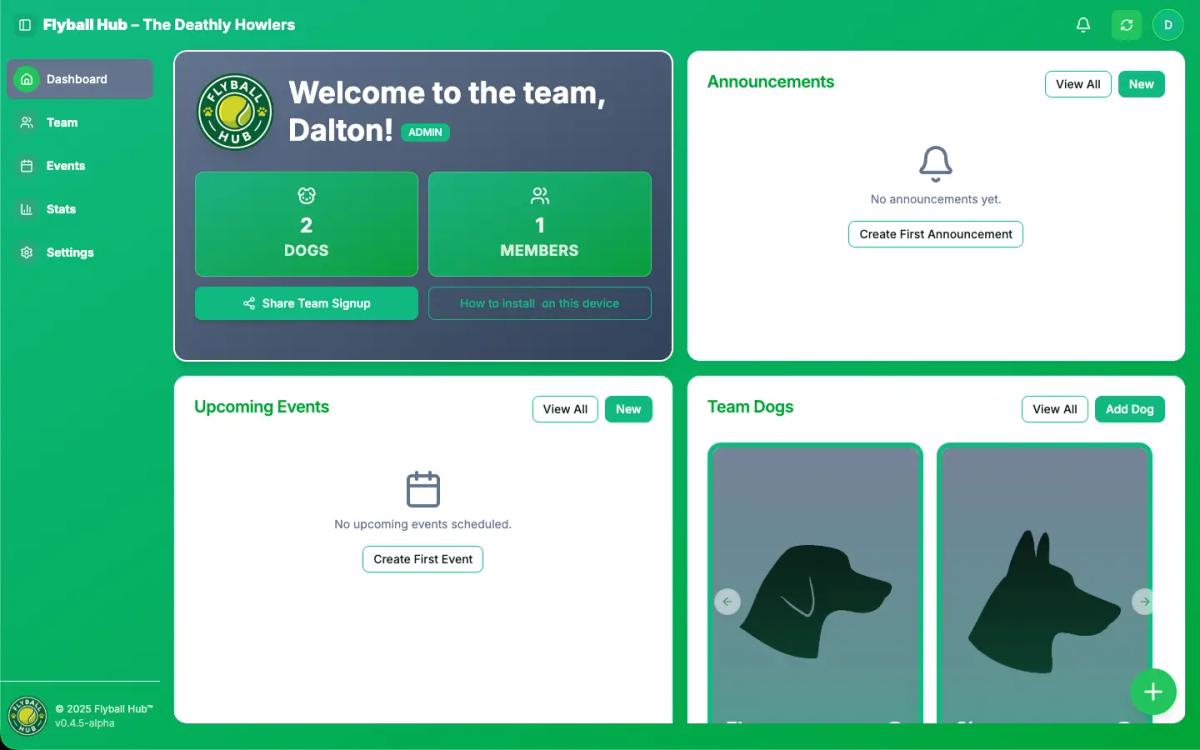
Flyball Hub is a team management app for web, iOS and Android. Clubs use it to keep member and dog records together, organise training, collect RSVPs, share updates and manage competition data without building another spreadsheet.
Running a flyball team involves a surprising amount of coordination. You need to know who's coming to training, which dogs are attending, what the session plan looks like, and how to get updates out when things change. Most teams handle this through a combination of:
None of these tools were designed for managing a sports team with dogs. They work, but they don't work together. Flyball Hub was built to fill that gap.
Every member and dog gets a profile. Teams can record photos, training notes, turn direction, height category and personal bests. Premium adds exact dog stats, pace and form trends, leaderboards and collectible team-branded dog cards.
Dog profiles are quick to update on a phone, because that's usually where you are when you remember "oh, I should note that Rex has been working on his box turn."
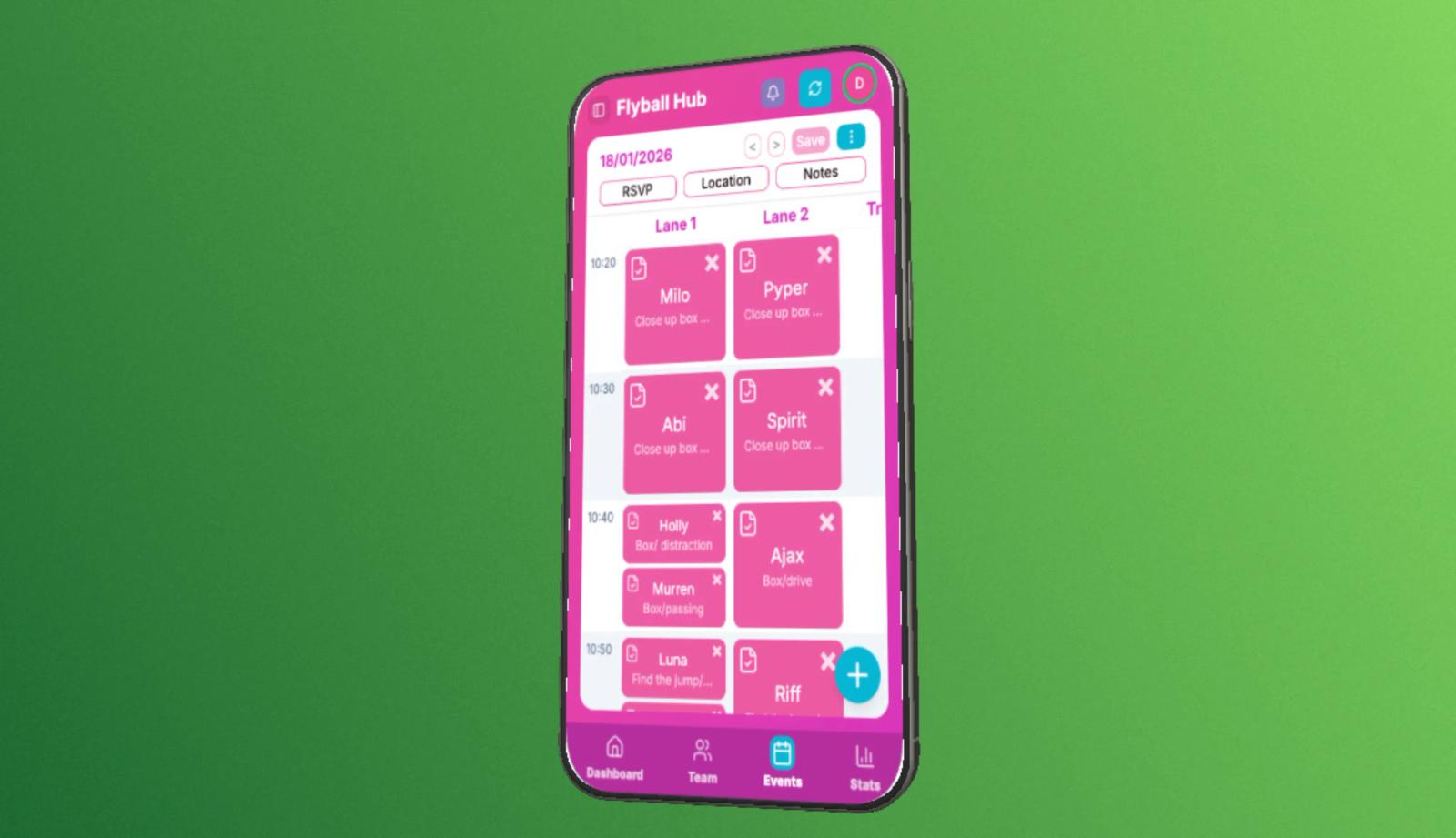
Create a training session with its date, time and location, then ask members to RSVP for themselves and their dogs. Public events can also carry the details teams need before a tournament.
Captains and trainers can see who is coming before they set a plan. That matters when the difference between six dogs and sixteen changes the drills, lane groups and time needed.
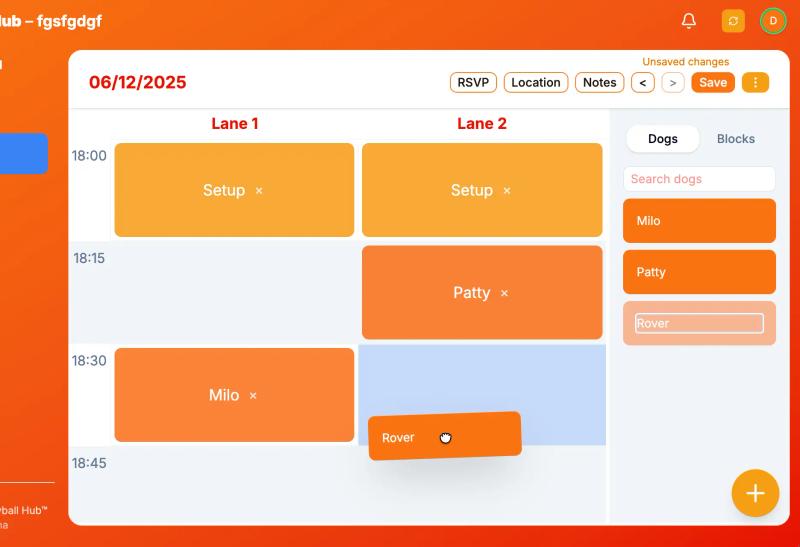
Once the RSVPs are in, add warm-ups, drills and breaks to the session plan. Repeated schedules save setup time for regular training, while shared comments keep the notes beside the event instead of buried in another chat.
Some clubs plan every lane in advance. Others decide on the day. Flyball Hub lets each team use as much structure as it needs, and keeps the team data needed on the day available when the signal at a venue is poor.
Premium teams can use Team Chat for messages and reactions. At competitions, Race Tracker records line-ups and results, while imported-video timing lets you measure a dog or a complete team run before saving confirmed times to Stats.
Not everyone needs access to everything. Admins manage team settings, captains and trainers can create sessions and manage dogs, and members see what they need. Sub-teams help larger clubs keep different squads organised within one club.
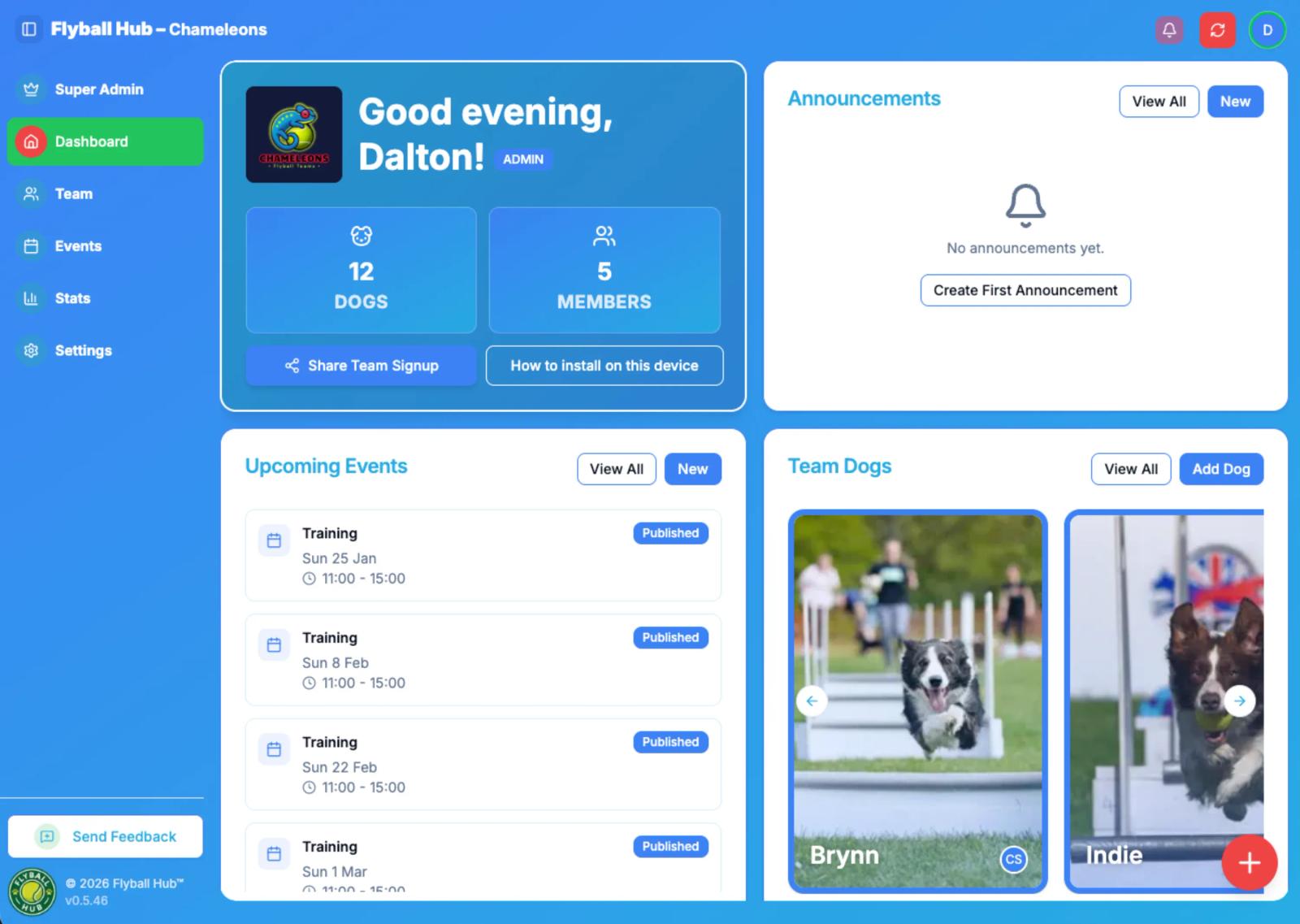
Flyball Hub works for different people in different ways:
Team admins and captains use it to plan training, track attendance over time, and keep everyone informed without sending the same message in three different places.
Trainers use it to see who's coming, review dog notes before a session, and (if they want) pre-plan lane assignments.
Members use it for the basics: checking when and where training is, RSVPing, and updating their own dogs' profiles.
The interface works for everyone, including teammates who aren't particularly tech-savvy. Big buttons, clear labels, nothing buried three menus deep.
It usually goes something like this:
Most teams find the RSVP feature alone saves a lot of back-and-forth messaging.
The Free plan covers the core team admin tools and includes occasional ads. Premium is live for clubs that want Team Chat, video timing, richer dog data and an ad-free team workspace. See the current Premium prices and trial details.
Private member details, dog records and team notes stay inside the club workspace. Teams can choose to publish selected team and event listings, but those public pages do not expose the club's private records. Flyball Hub does not sell member data or send unwanted email.
Flyball teams around the world handle the same admin: dogs, members, training dates, attendance and race-day plans. General club tools can store some of it, but they are not built around a sport where every team has human and canine members.
Flyball Hub started as a side project to solve a real problem: making team admin less scattered and more manageable. It's not trying to replace the social side of your group chat or the flexibility of a spreadsheet. It's meant to sit alongside those things and handle the bits they're not great at - attendance tracking, session planning, keeping dog info up to date.
We wanted something that just works. Nothing bloated, nothing over-complicated. Just the features teams actually use, without needing a training manual to figure it out.
Is Flyball Hub free? Yes. The Free plan includes the core team tools and occasional ads. Premium is live with extra team features and no ads in the team workspace. Check the current Premium offer.
Do I need to create an account? Yes, but it's quick. You can sign up with email or Google. Members need accounts to RSVP and manage their dogs.
Can I import data from a spreadsheet? Not automatically yet, but it's on the list. For now, members can add their own dogs when they join, which spreads the data entry work.
What if I'm not very technical? That's fine. The interface is designed for everyone. If you can use WhatsApp, you can use Flyball Hub.
Can I use it for competition teams as well as training squads? Yes. Some clubs use it for their whole organisation with sub-teams for different squads.
If you're a captain or admin, read the features overview, then open Flyball Hub to create a team. Invite a few members, set up a test session and see whether the RSVP flow fits your club.
If you're a member and your club already uses Flyball Hub, ask your captain for the invite link. You can claim your profile, add your dogs and start RSVPing without setting up the whole team yourself.